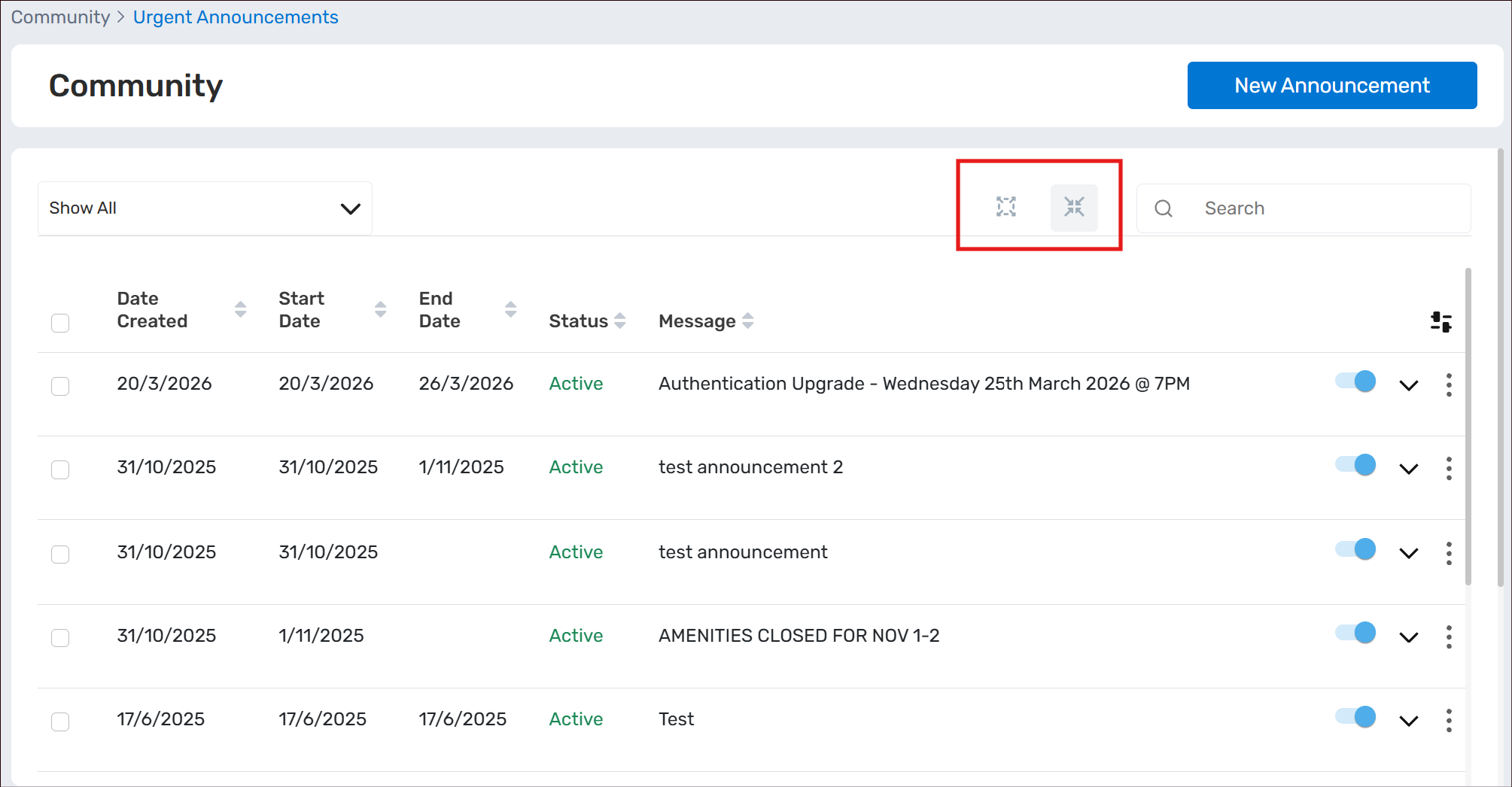
Urgent Announcements can be utilised by Building Managers as a tool to quickly and reliably communicate time-sensitive information to your Resident/Tenants immediately. These announcements will be pushed out immediately to the MYBOS Resident Web and Mobile Apps, and will also come through as a Push Notification if the Apps are installed and logged into.
Setup Urgent Announcements
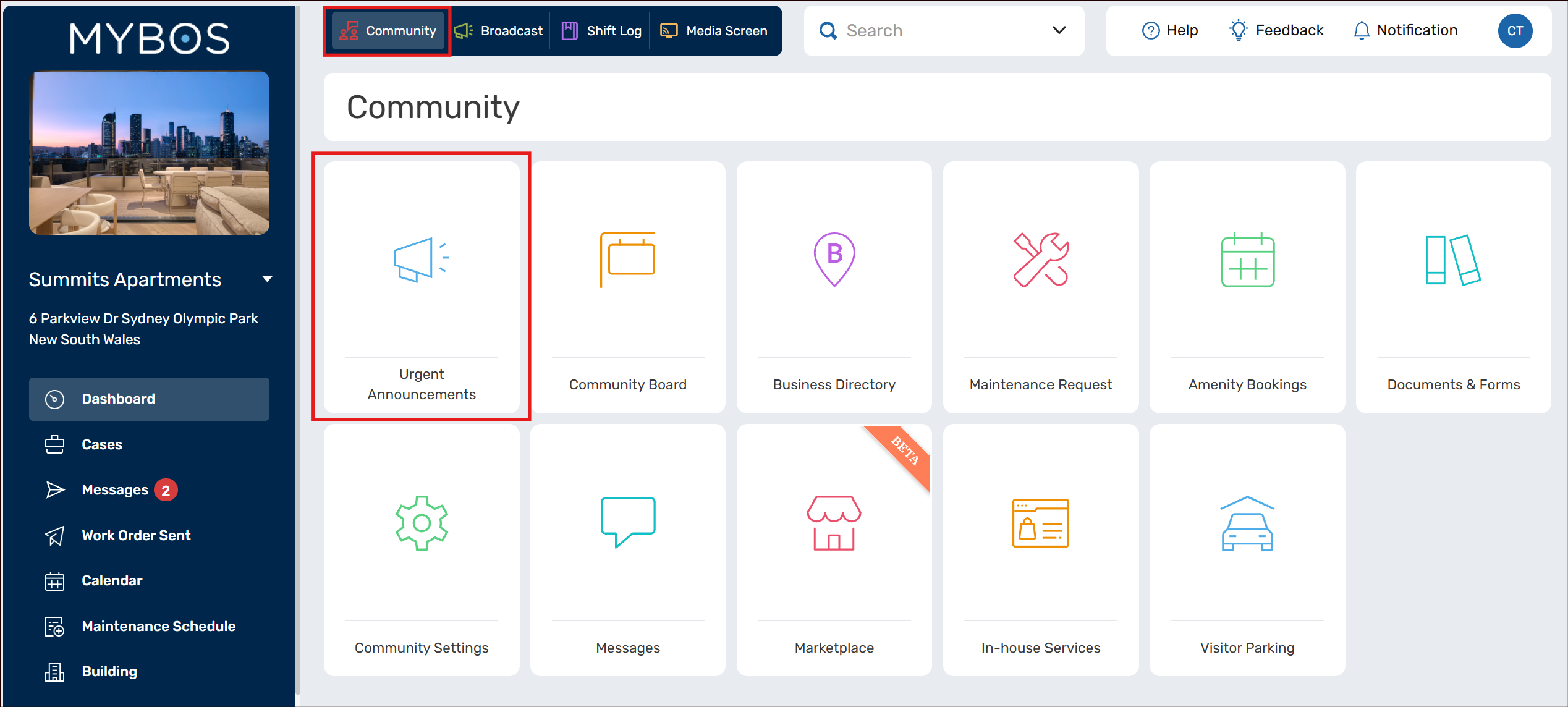
- Within the Building Portal, click on Community -> Urgent Announcements
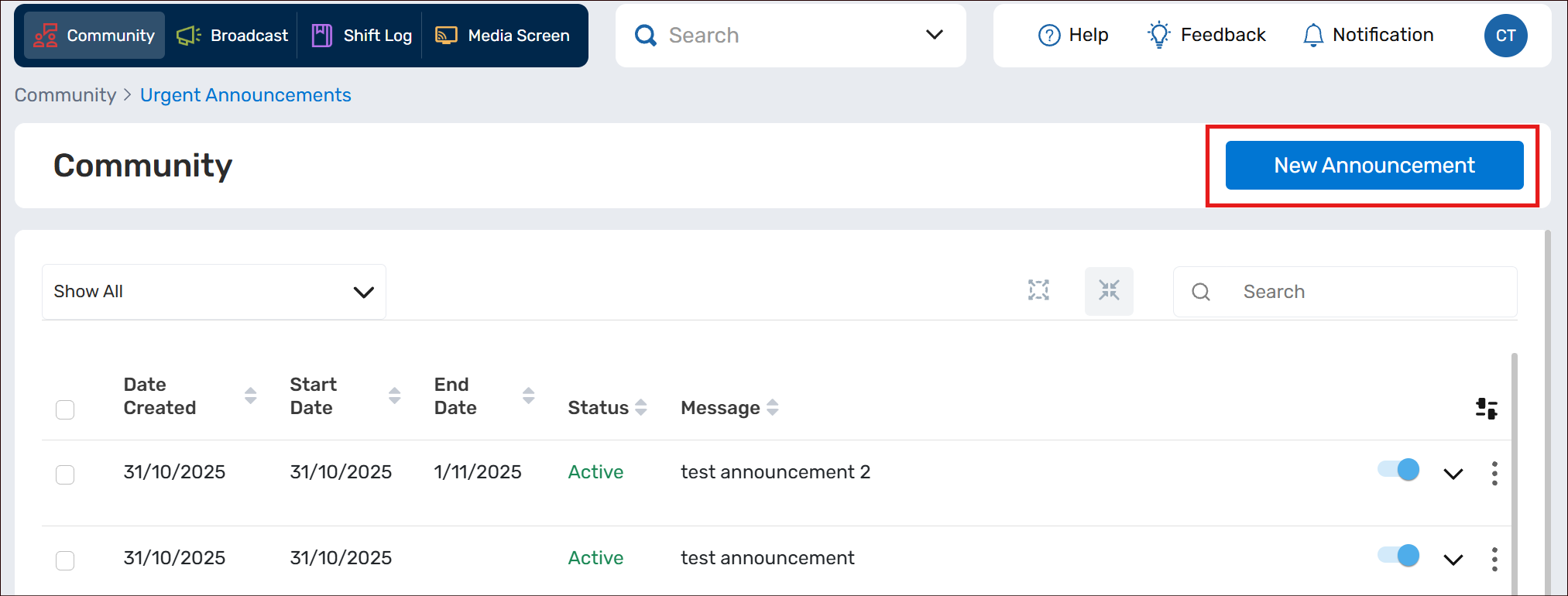
- Select New Announcement
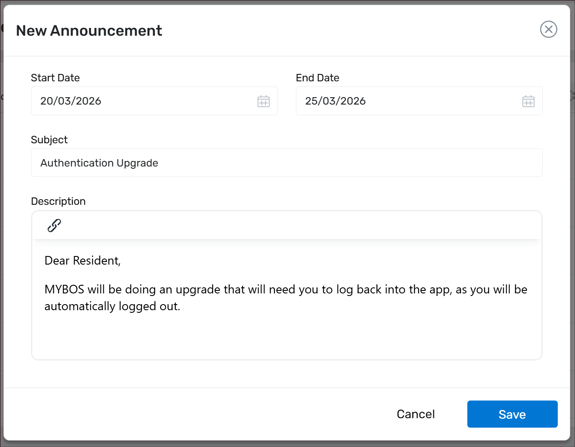
- Select the Date Range for when you want this Announcement to appear to your Resident/Tenants. Then type in like you would normally do a short email or SMS - filling out the Subject and Description. Select Save when done.
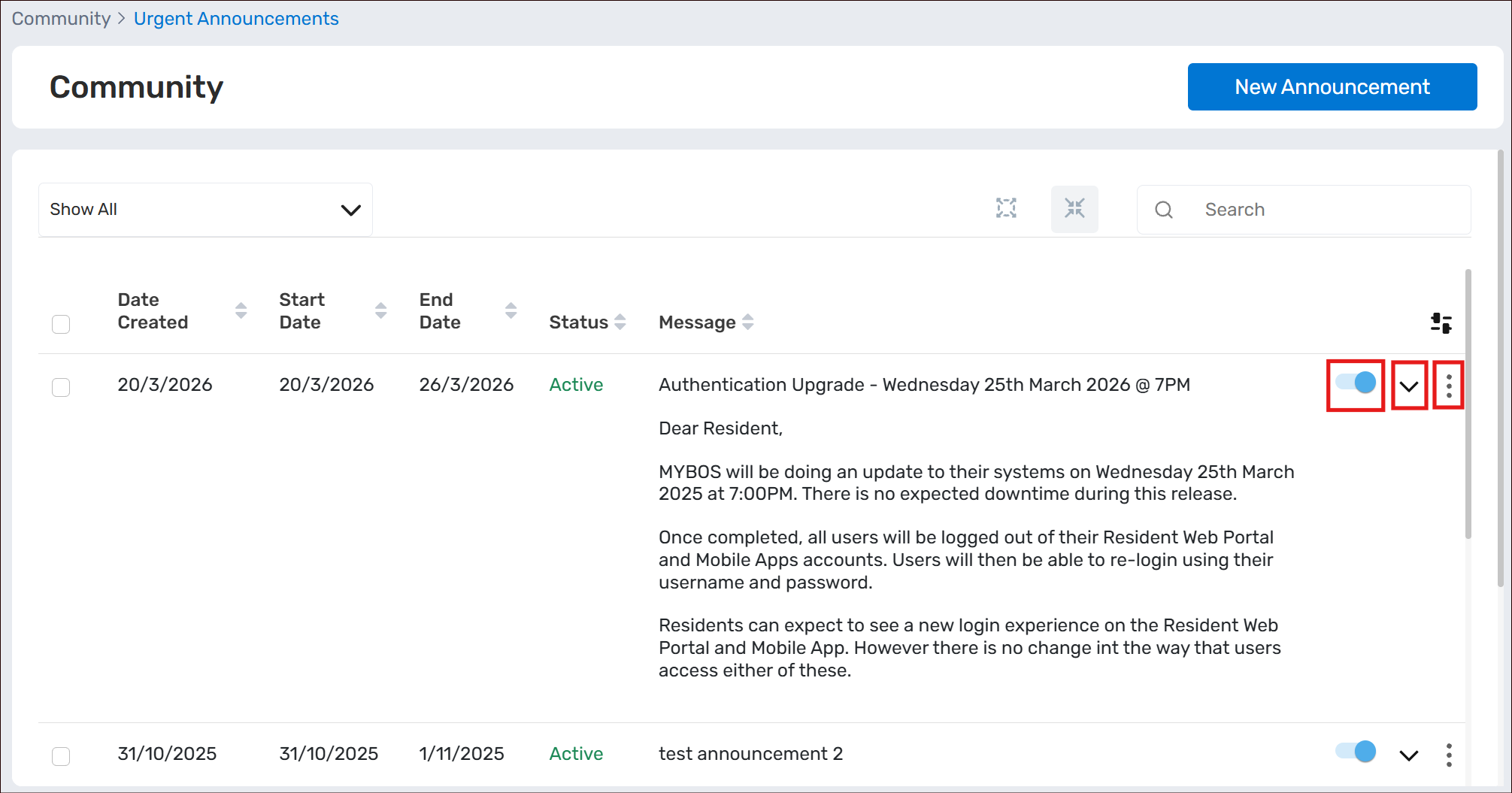
- To make further edits on your Announcement, you can click on the 3 dot menu to the right of the Announcement -> Edit from the drop down option. To expand the Announcement on the screen, select the down arrow, and you can Pause the Announcement by using the blue toggle.
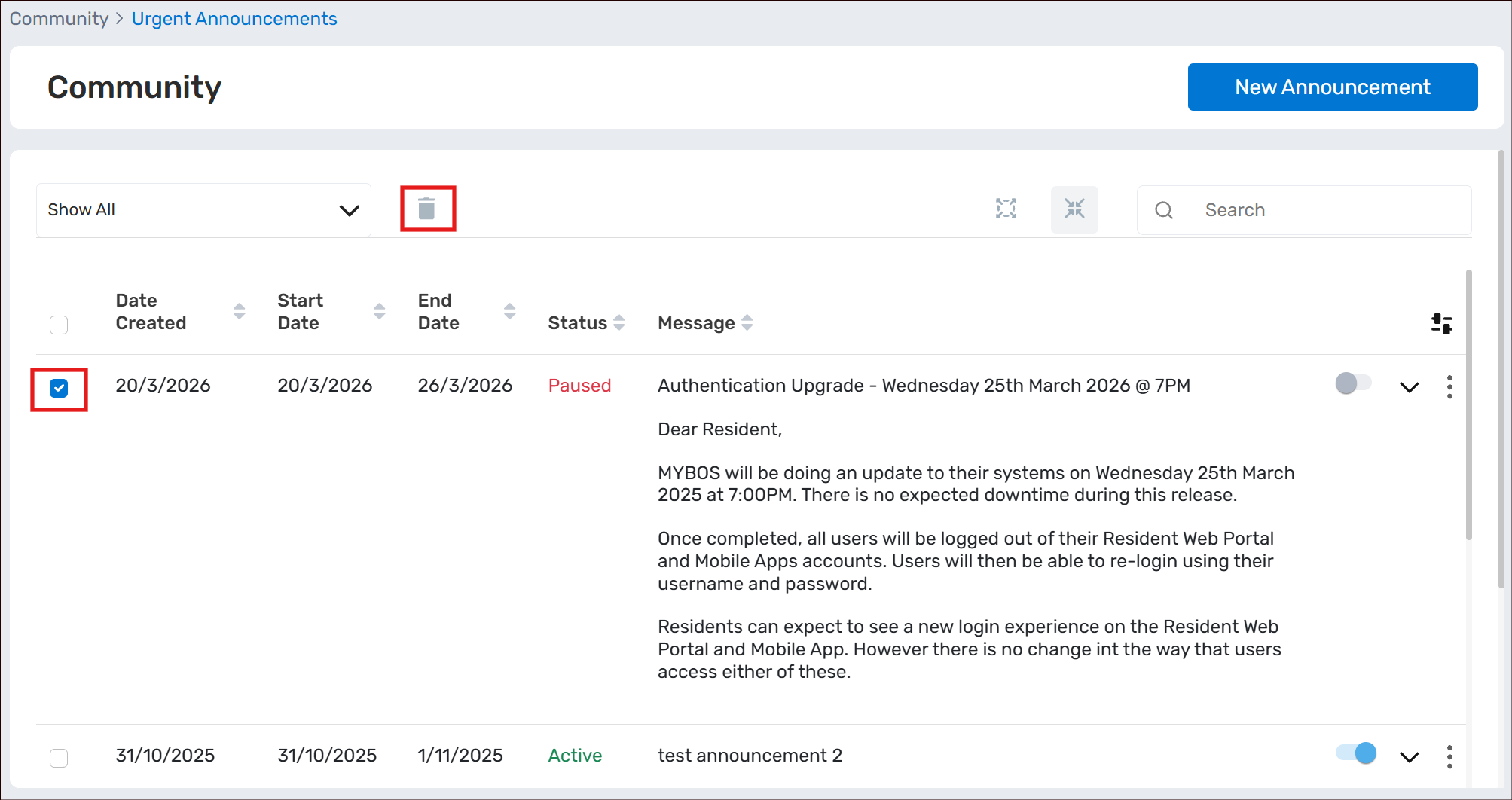
- To delete the Announcement, you can either select the 3 dot menu -> Delete, or you can select the checkbox next to the Announcement (also available in bulk select), then the Trash icon.
- You can also use the toggles highlighted below to bulk expand or contract the Announcements on the screen