
Share Access sends a building's shared code and an activation link to someone at another company. You need a company admin login, because sharing is done from the company portal rather than the building portal.
How to share building access by email
Step by Step Walkthrough
Step 1: Sign in to MYBOS with your company admin login. MYBOS opens on one of your buildings.
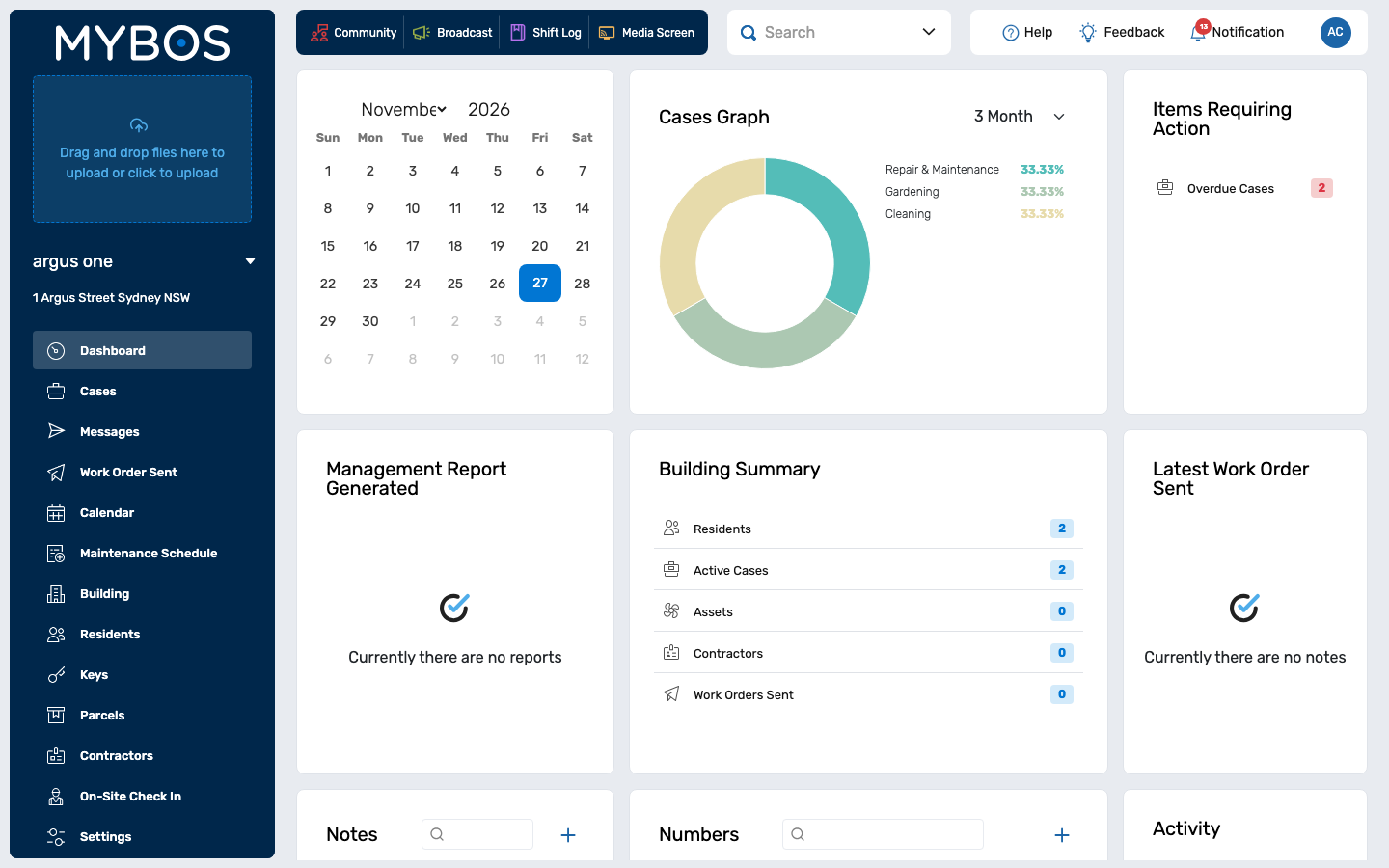
Step 2: Select your profile picture in the top-right corner, then select Switch to Company Portal.
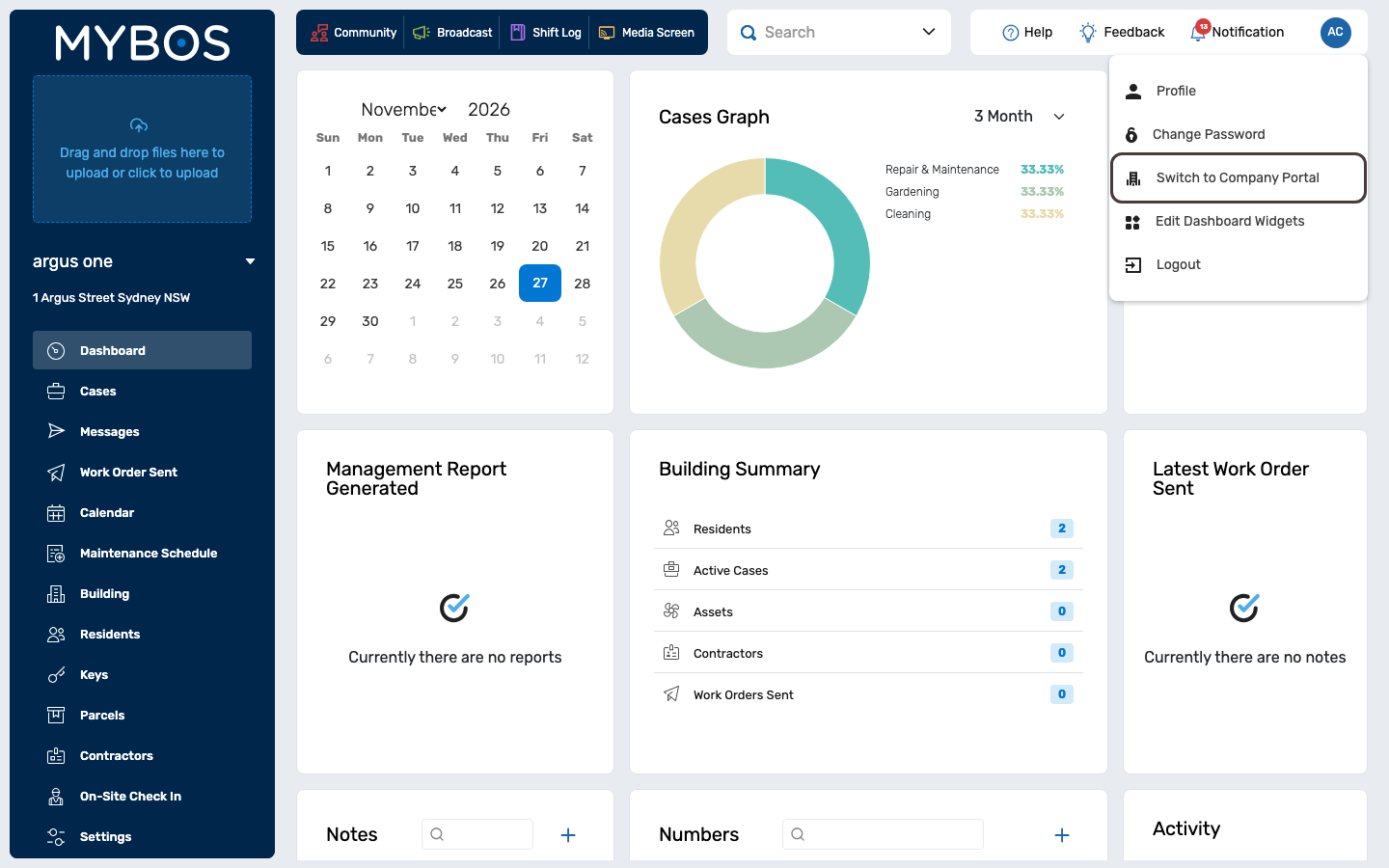
Step 3: Select Building from the left menu.
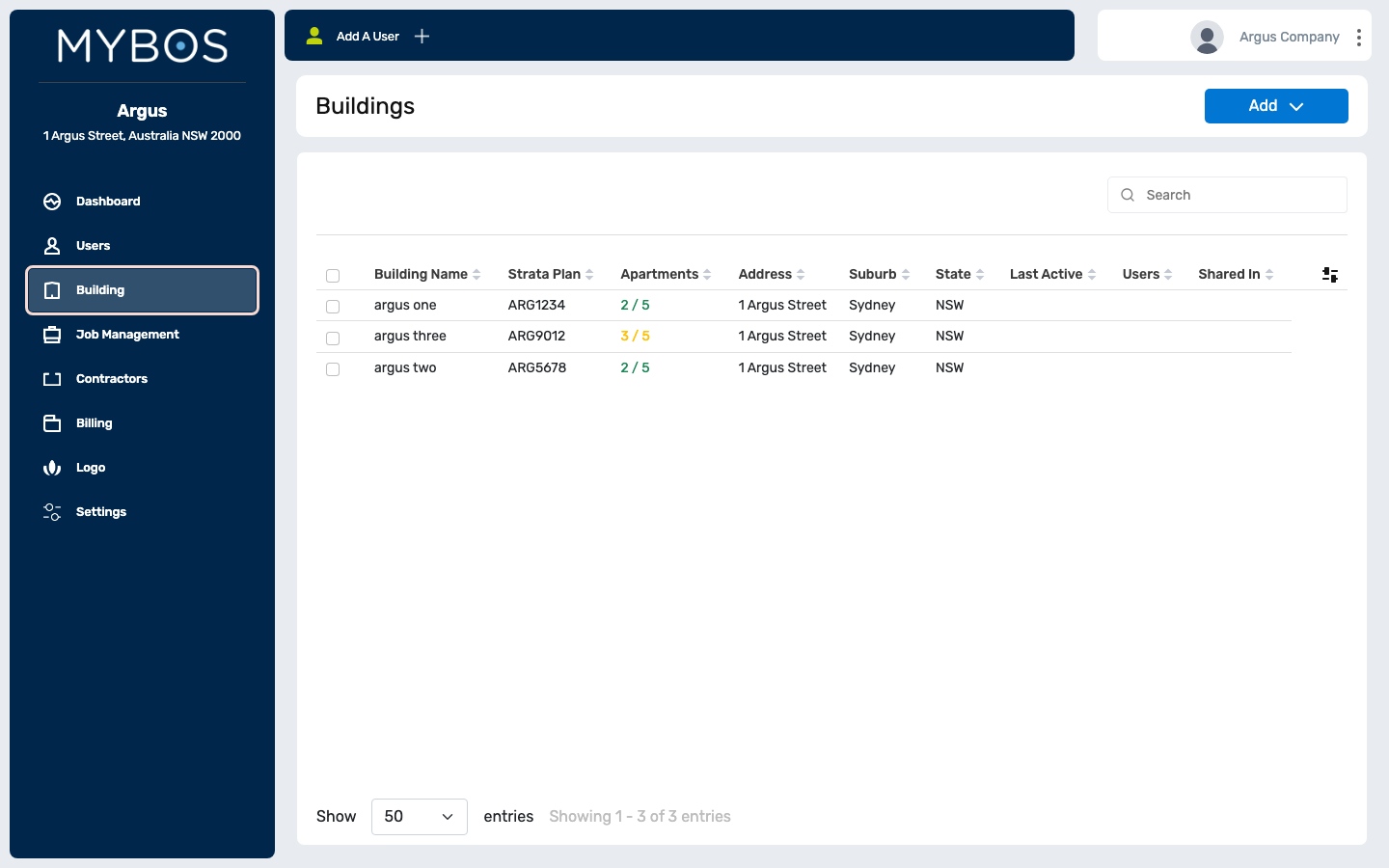
Step 4: Select the building you want to share.
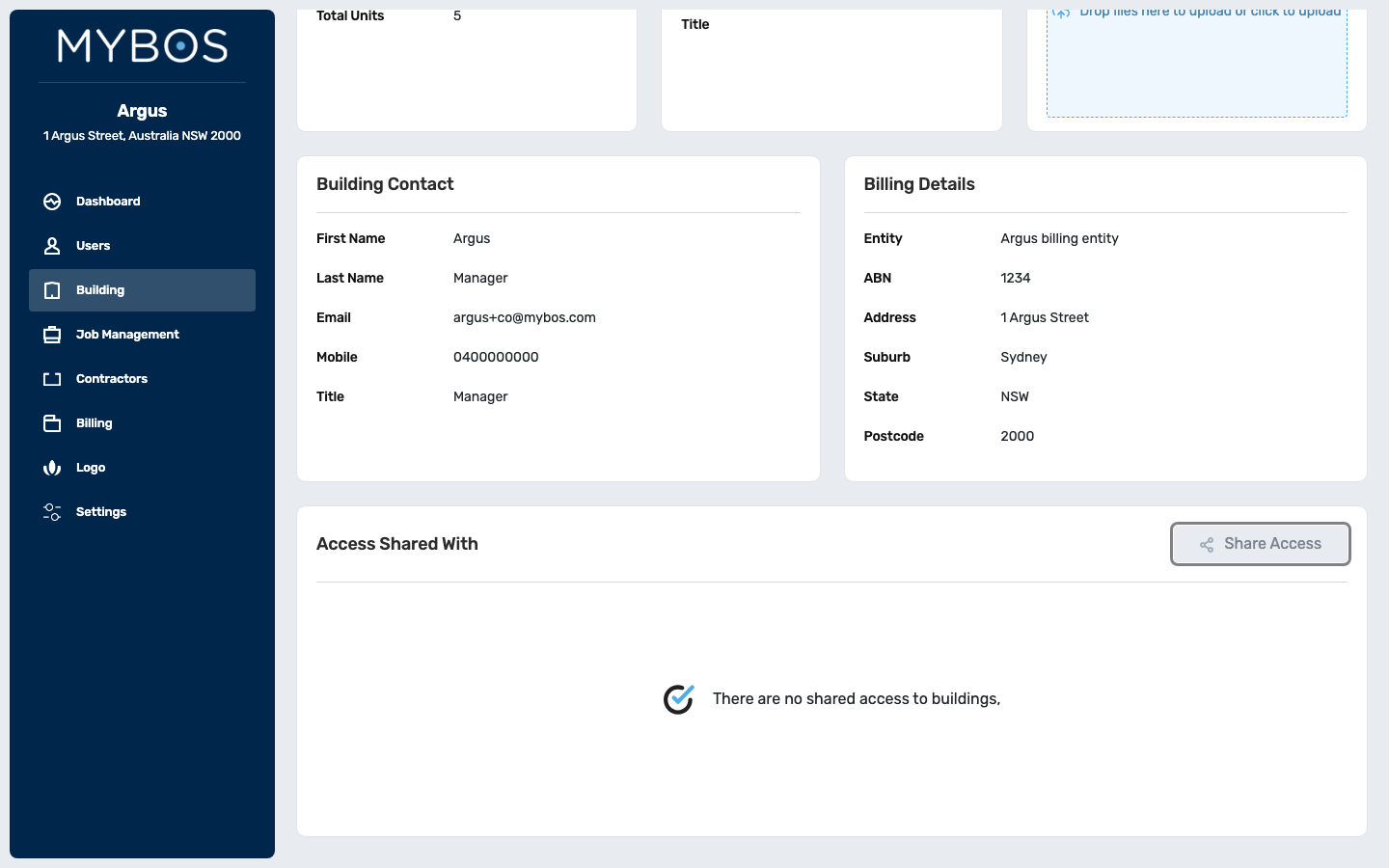
Step 5: Scroll down to Access Shared With and select Share Access.
Step 6: Enter the Company Name of the business you are sharing with, the Full Name of the person receiving access, and their Email address.
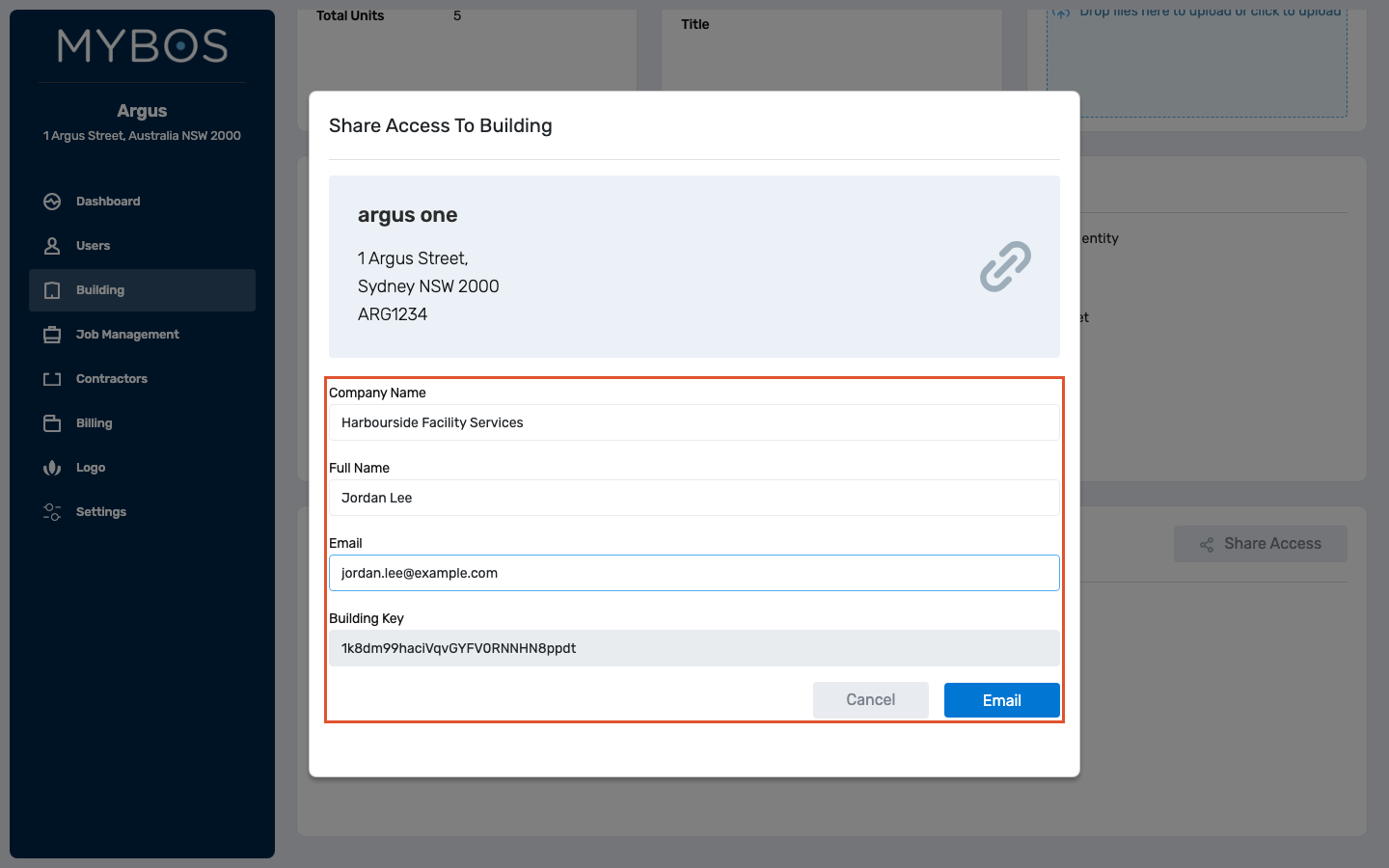
🗒️ Note: The Building Key is filled in for you and can't be changed. It is the code the recipient uses to activate the shared building.
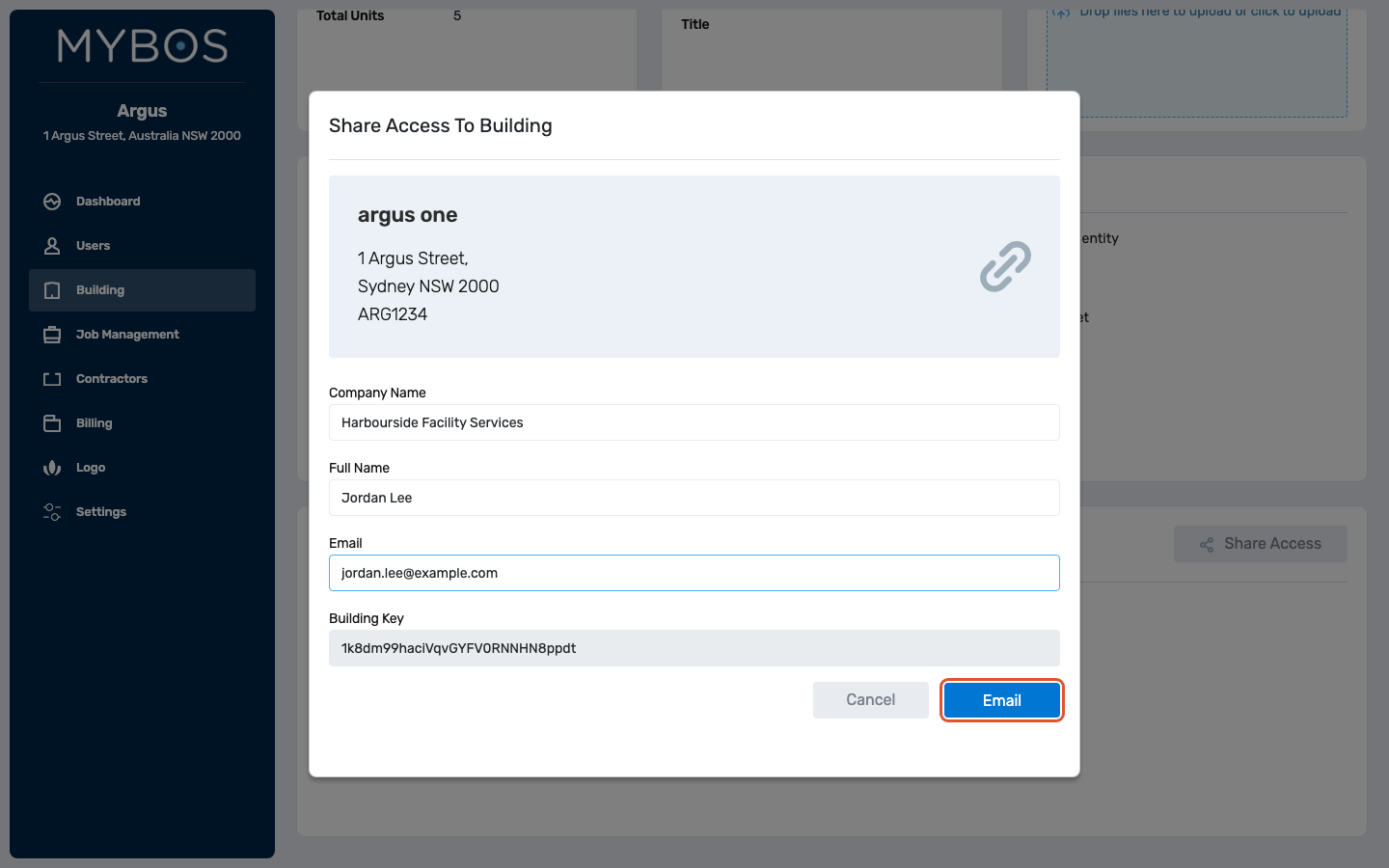
Step 7: Select Email to send the shared code.
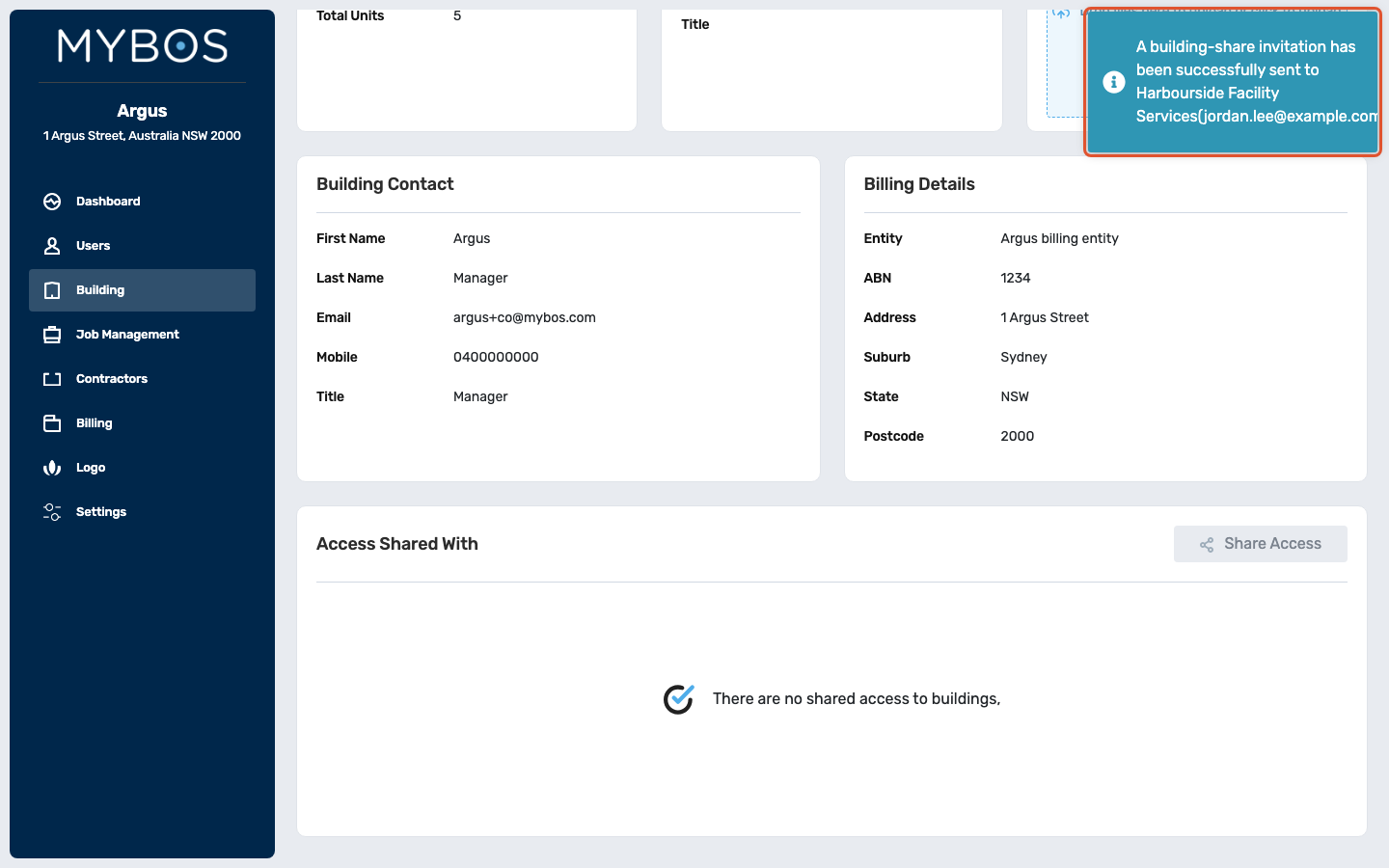
Step 8: A confirmation shows that the invitation has been sent.
Tip: When the recipient activates the shared code, their company is listed under Access Shared With on this page. Select Remove access there to stop sharing the building.
❗ The recipient receives an email with the building's shared code and a link to activate it. The code expires after 48 hours. Once they activate it, their company appears under Access Shared With on the building's page.