You are now able to add videos to cases in the MYBOS Building Manager Web Portal.
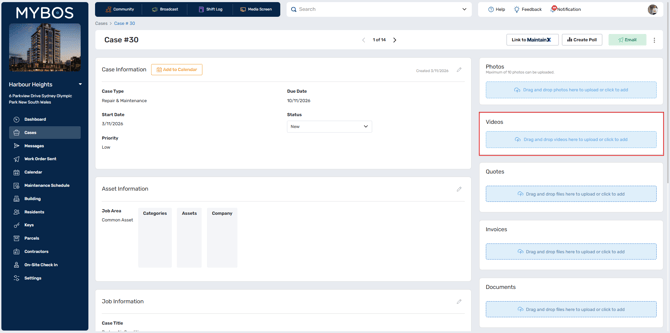
It functions the same as uploading photos and documents, simply click the upload videos option on the right of the case details screen.
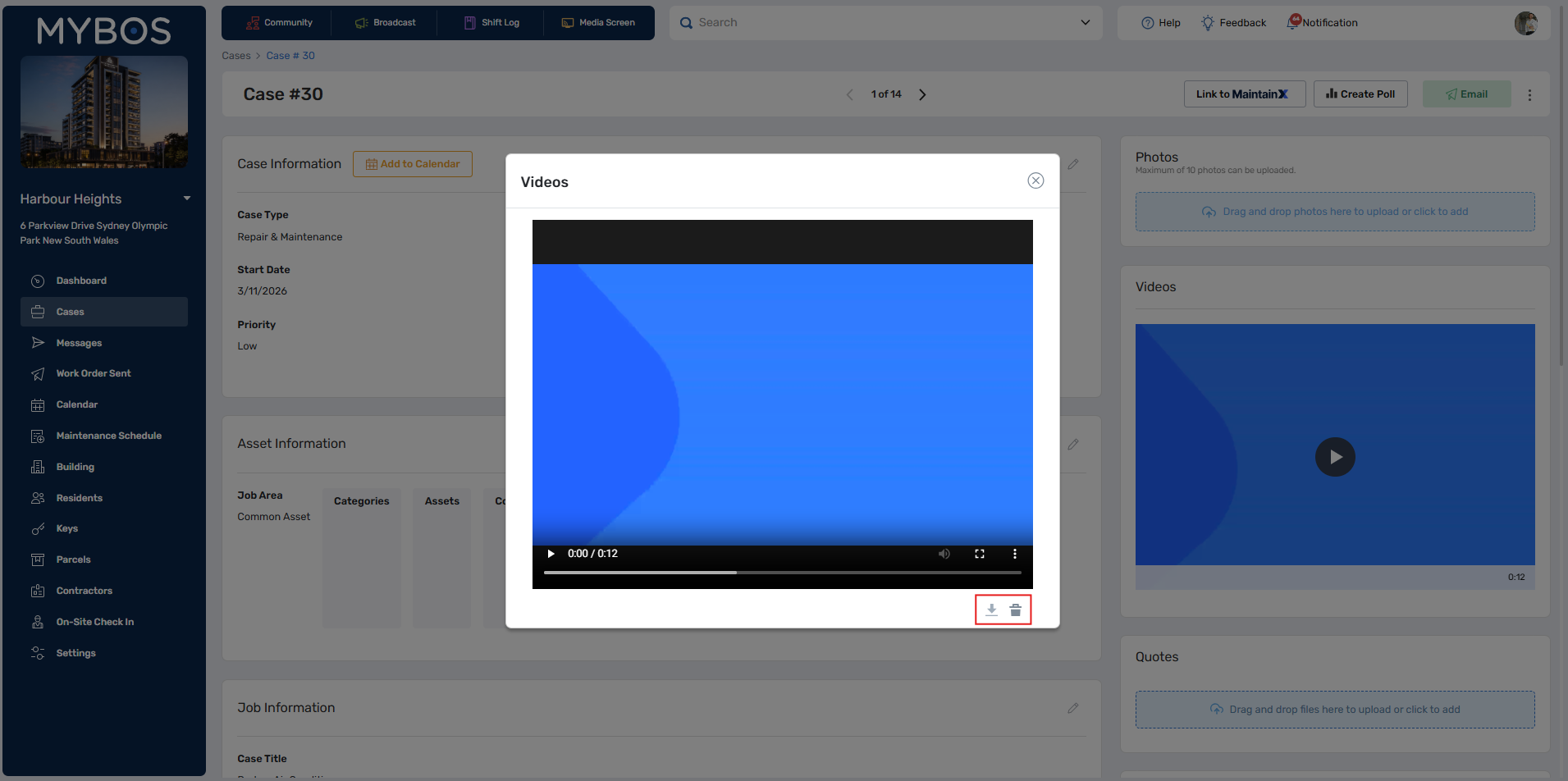
Once uploaded, the video can be downloaded or deleted from the case.
❗You can attach a single video to a Case (up to 500 MB) and upload up to 10 videos at once (30 MB per file)
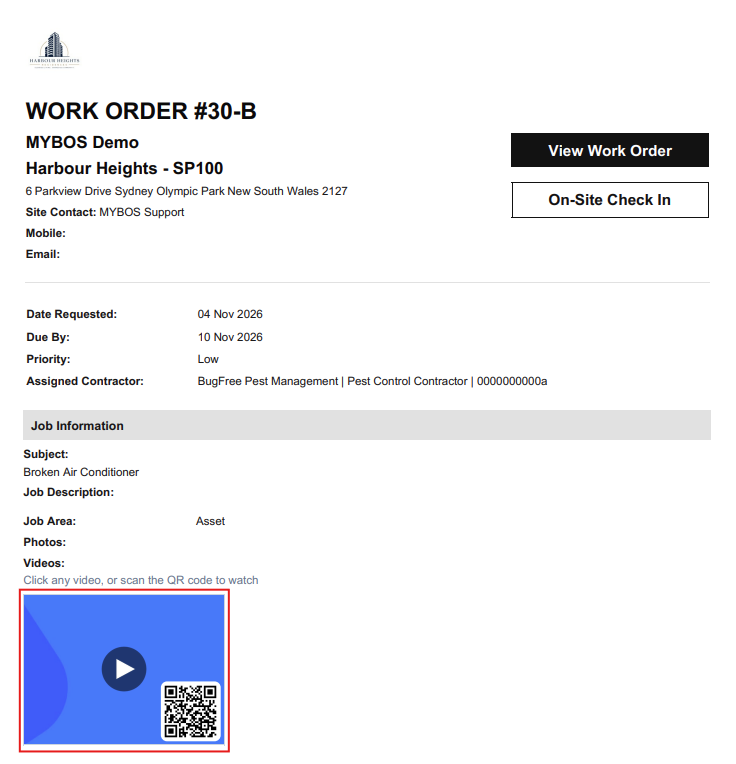
The videos are also accessible from the following mediums, either by clicking or scanning the QR code to view them:
- Management Report
- Work Orders
- Quotes
- Case Summary
- Case Exports